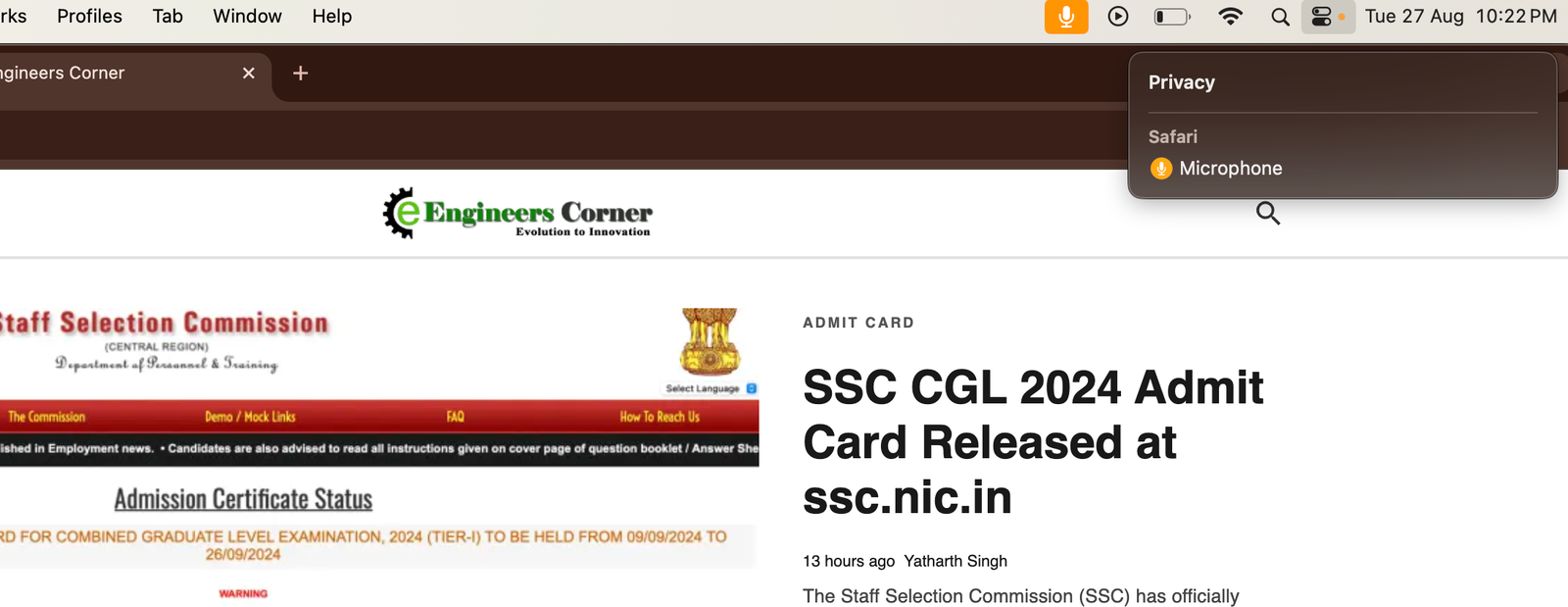
If you’ve recently noticed a persistent microphone icon in Safari or the Control Panel on your iPhone, you’re not alone. This issue, often related to mic mode settings, can be frustrating, but there are a few steps you can take to resolve it. This article will guide you through the possible causes of the bug and provide solutions to fix it. Mostly we have seen this microphone mic ON issue in MacBooks. How to turn off microphone on Safari Mac, iPad, iPhone
The microphone icon in Safari or the Control Panel usually indicates that an app is actively using your microphone. However, some users have reported that the icon remains visible even when no apps are actively using the microphone, indicating a possible bug in the mic mode settings.
This is a 100% Working Trick for any Mac and safari microphone issue
Steps to Fix the Microphone Icon Issue in Safari
We have also seen a pattern from few users that this particular error goes away after few hours on its own and gets resolved and restart also help in that case for few users.
The microphone icon issue in Safari and the Apple MacBook Control Panel is likely due to a bug in mic mode settings or background app activity. By following the steps outlined in this article, you should be able to resolve the issue and prevent it from happening again. If the problem persists, don’t hesitate to reach out to Apple Support for further help.
If you have been following tech news this week, you probably already caught a headline…
Every result season, thousands of AKTU students ask the same questions. Will I get grace…
You are watching IPL. A quick delivery hits the pad. The on-field umpire raises the…
The CBSE Class 10 Result 2026 has brought great news for students and parents in…
It's that time of year again, the one where parents refresh result portals every two…
The Story in One LineAt Black Hat USA 2025, two security researchers stood on stage…