Hello, Everyone as you all know that now Motorola began to roll out Android 5.0.2 Version Android L i.e Lollipop Update on its Newly Launched Smart Phones Moto G, Moto E & Moto X. Right Now Only Motorola Moto G 1st Gen & Moto G 2nd Gen Smartphone are getting Android 5.0.2 Lollipop Update.
But It will come soon to all the Motorola Phones in coming weeks.
Today we will tell you How to Get Android 5.0.2 Lollipop Update On your Phone. just Follow the Below Simple Steps:
1) Check for any Software Update Notification
2) Go to Settings >> About Phone >> System Update
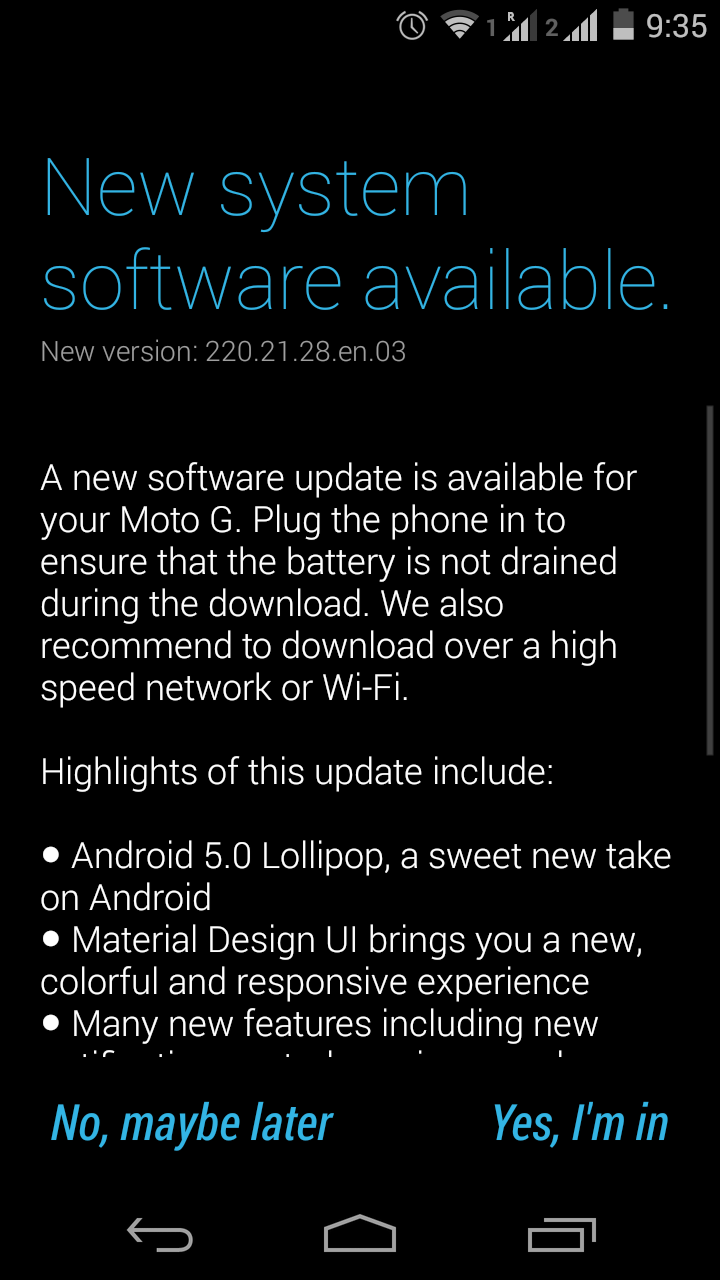
Check out the Below Picture to get what you need to do
You Can See in the above pic that a New Software Version is arrived for an Update Just Click on Yes, I’m in & that’s it you are done.
Points to Remember:
1) Make Sure you are Connected to the Internet or a WiFi Connection for Fast Download
2) Make Sure your Battery is more than 50% Charged.
3) Don’t be panic if your internet connection is lost the Software update will be paused & will wait for the internet connection that’s it !!
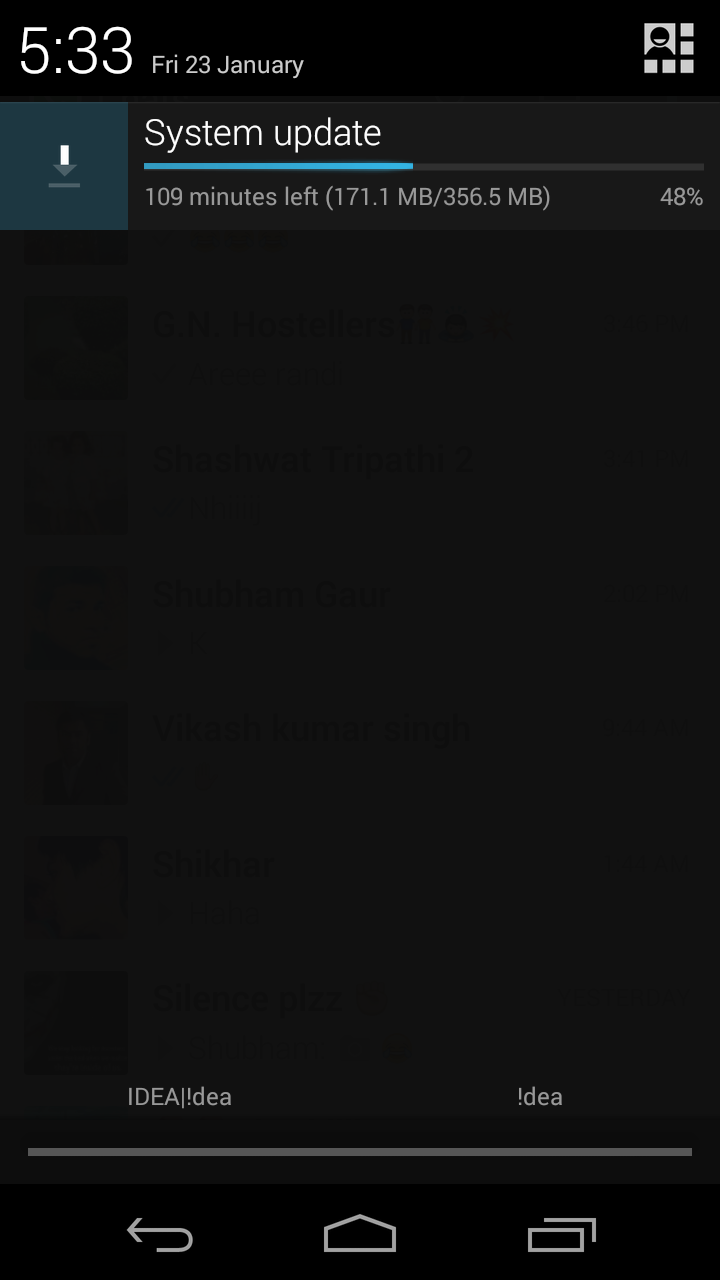
See the below picture for more information when you click on yes I’m in a System Update will be Downloading in the Notification Bar.
The Maximum Size of Android 5.0.2 Software Lollipop Update is 356.5 MB
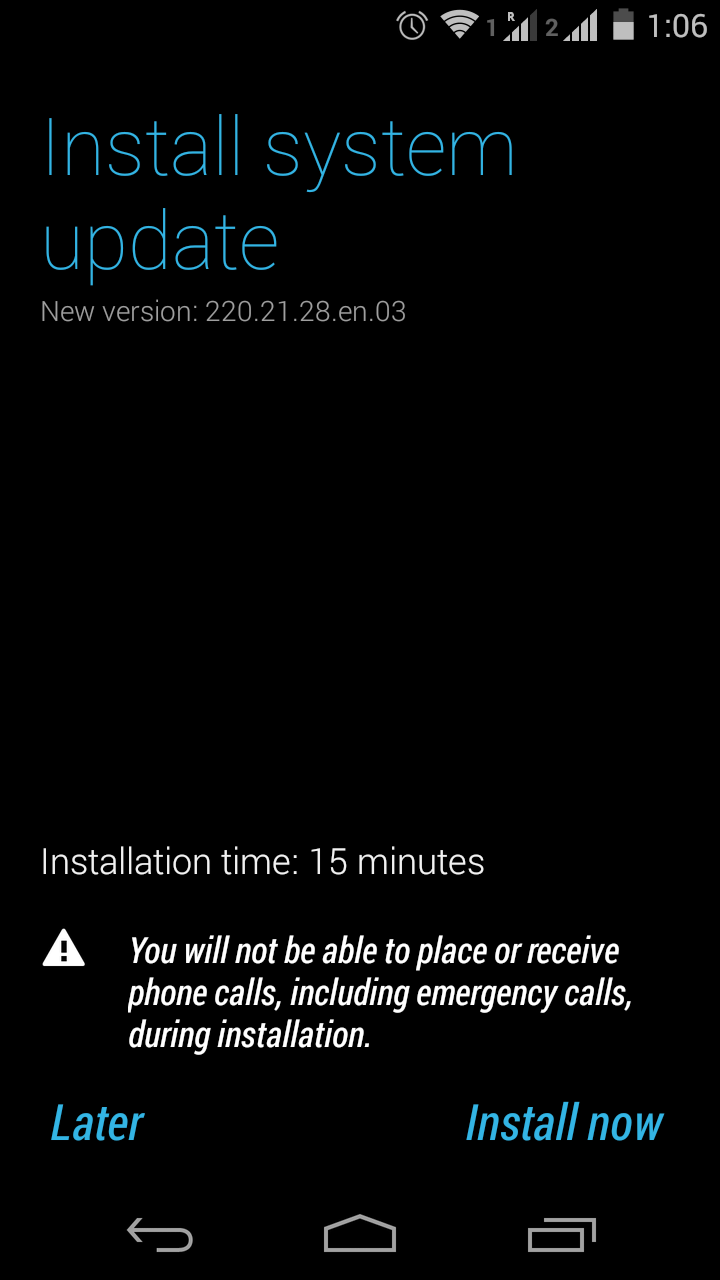
After all files are completely downloaded which can be seen from notification bar. A new notification will come to Install the Lollipop Update which will take approximately 15 minutes to install the update in the mean time you will not be able to use your phone to call someone or any function.
When the installation will be completed All your Android apo will be upgrades to the new version of Android Software.
That’s it Now you are done, Now enjoy the all new Material Design UI, Battery and other such improvements on your Motorola Moto G, Moto E & Moto X.
Check Your Android Latest Lollipop Version By following Steps:
1) Go to Settings >> About Phone
2) Android Phone >> Version 5.0.2
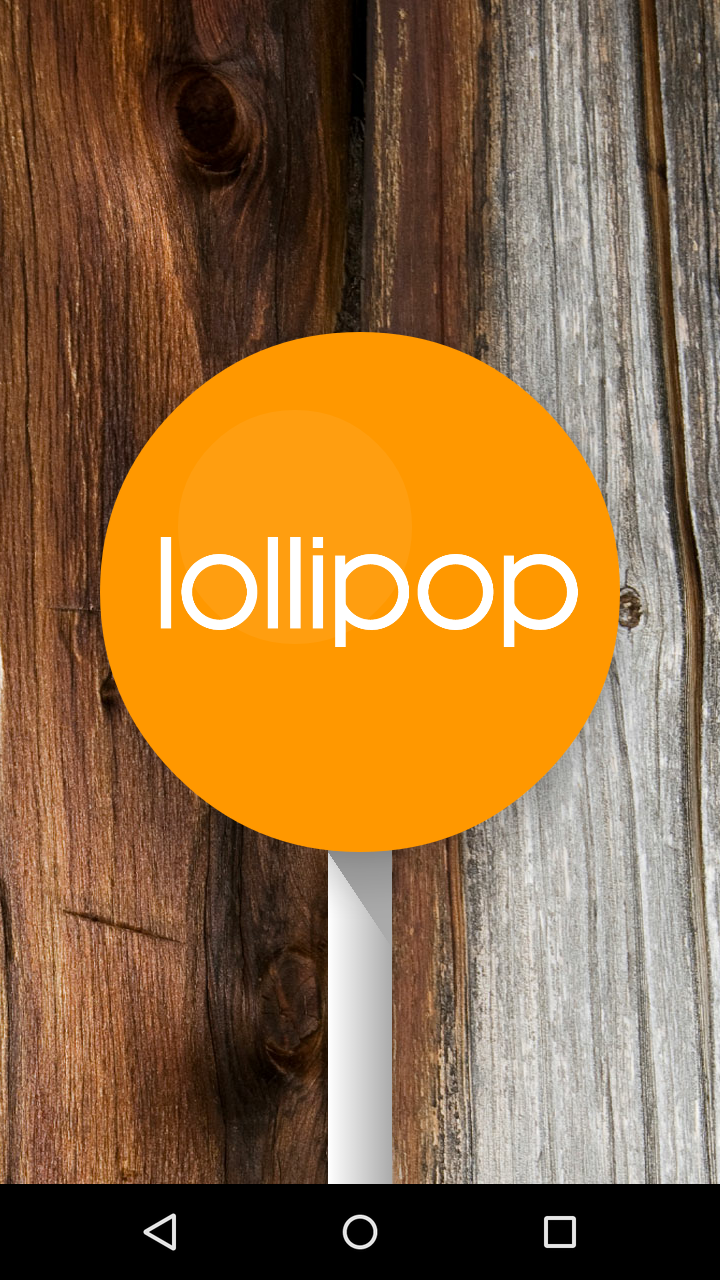
Now touch it multiple times you will be able to see the below pictures of android 5.0.2 Lollipop Update.
You Can Even Play Games. So the Sweetest Update Lollipop is now installed on your Phone Enjoy.
You can also download it manually by visiting this this Link: CLICK HERE to Update Manually
What’s New in Android 5.0.2 Lollipop UpDate?
Thanks for Reading Comment Below if you have any query .
Three men who genuinely do not like each other agreed on something this weekend. That…
Apple usually gives Indian buyers one small consolation at launch time. New phone comes in…
Michelin started selling the Primacy 5 in India on 3 August. It is the first…
At around 2 pm on Saturday, 25 July, police fired tear gas shells at protesters…
Last Updated: 24th July 2026:- Something strange has happened in Indian politics this year. A…
If you hold an engineering diploma and have ever considered serving the nation in uniform,…