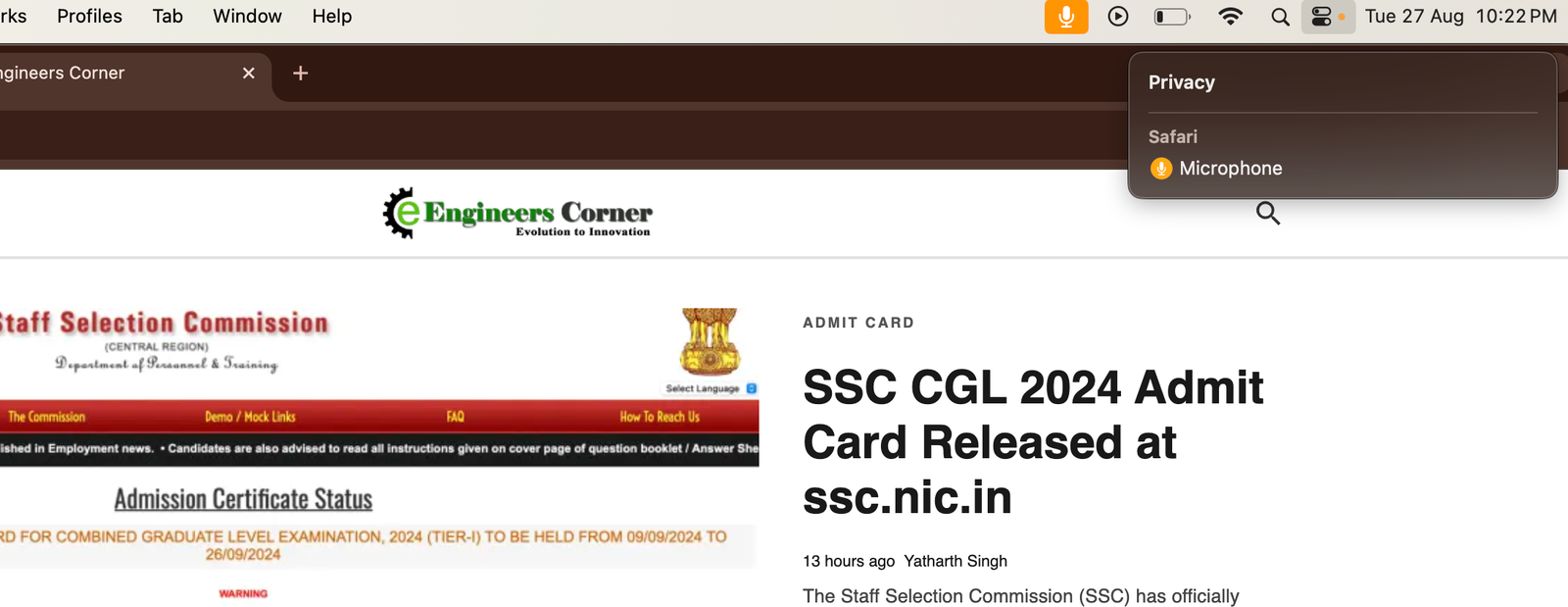
If you’ve recently noticed a persistent microphone icon in Safari or the Control Panel on your iPhone, you’re not alone. This issue, often related to mic mode settings, can be frustrating, but there are a few steps you can take to resolve it. This article will guide you through the possible causes of the bug and provide solutions to fix it. Mostly we have seen this microphone mic ON issue in MacBooks. How to turn off microphone on Safari Mac, iPad, iPhone
The microphone icon in Safari or the Control Panel usually indicates that an app is actively using your microphone. However, some users have reported that the icon remains visible even when no apps are actively using the microphone, indicating a possible bug in the mic mode settings.
This is a 100% Working Trick for any Mac and safari microphone issue
Steps to Fix the Microphone Icon Issue in Safari
We have also seen a pattern from few users that this particular error goes away after few hours on its own and gets resolved and restart also help in that case for few users.
The microphone icon issue in Safari and the Apple MacBook Control Panel is likely due to a bug in mic mode settings or background app activity. By following the steps outlined in this article, you should be able to resolve the issue and prevent it from happening again. If the problem persists, don’t hesitate to reach out to Apple Support for further help.
Three men who genuinely do not like each other agreed on something this weekend. That…
Apple usually gives Indian buyers one small consolation at launch time. New phone comes in…
Michelin started selling the Primacy 5 in India on 3 August. It is the first…
At around 2 pm on Saturday, 25 July, police fired tear gas shells at protesters…
Last Updated: 24th July 2026:- Something strange has happened in Indian politics this year. A…
If you hold an engineering diploma and have ever considered serving the nation in uniform,…